Plus Telegram bot, phone camera & drag-and-drop
From inbox chaos to accountant-ready exports
Connect your email, auto-collect invoices, classify them in seconds, and export organized ZIPs for your accountant.
Try for free · Not based on credits · No credit card required
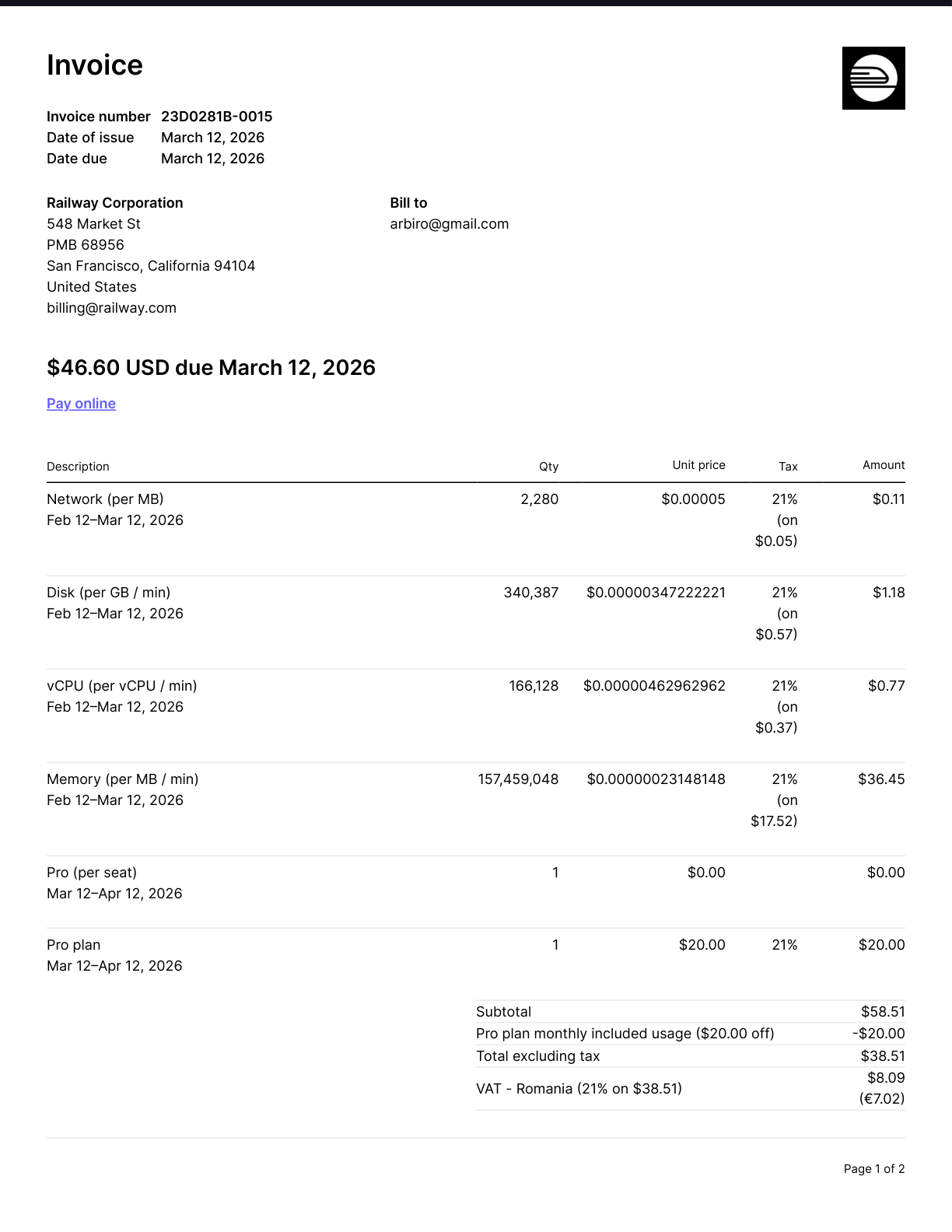
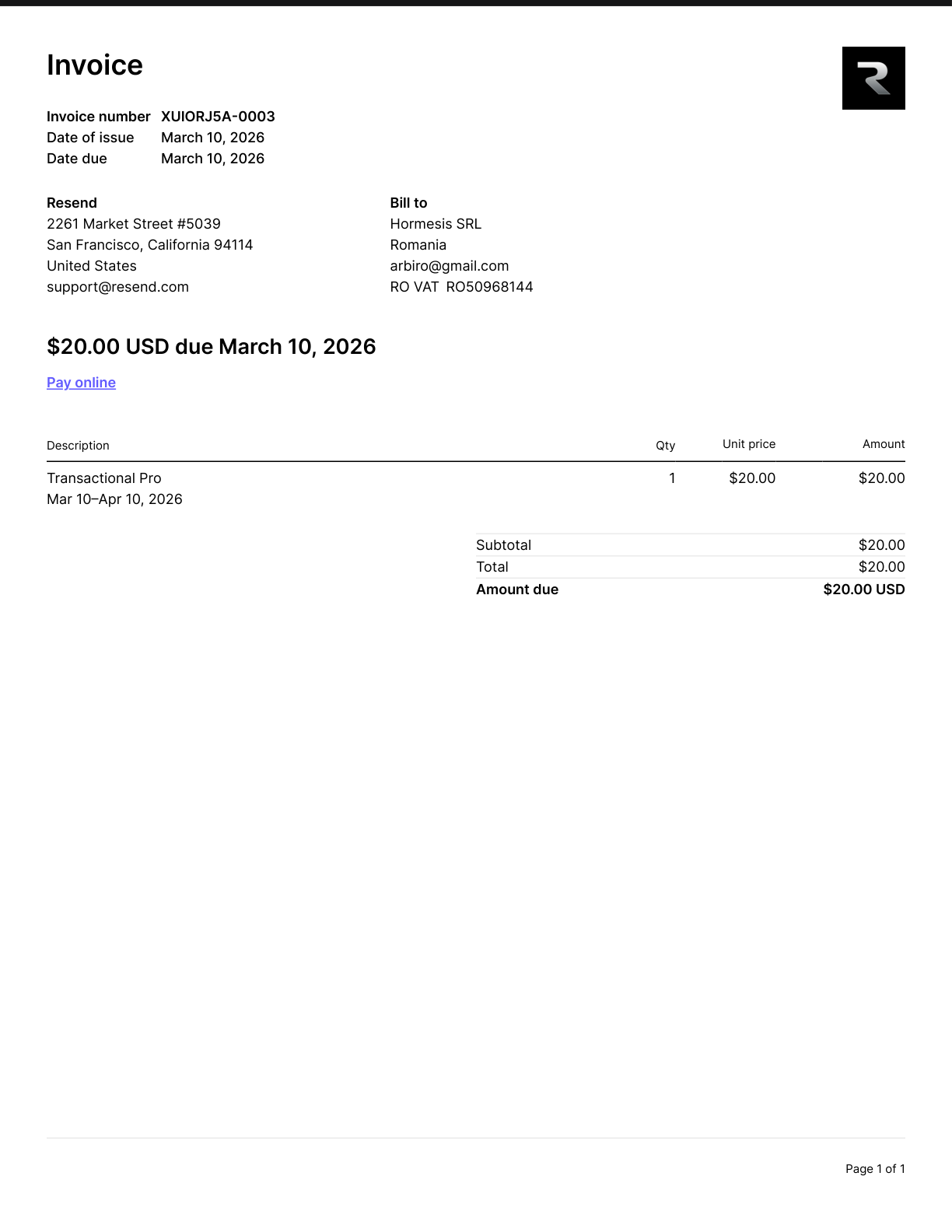
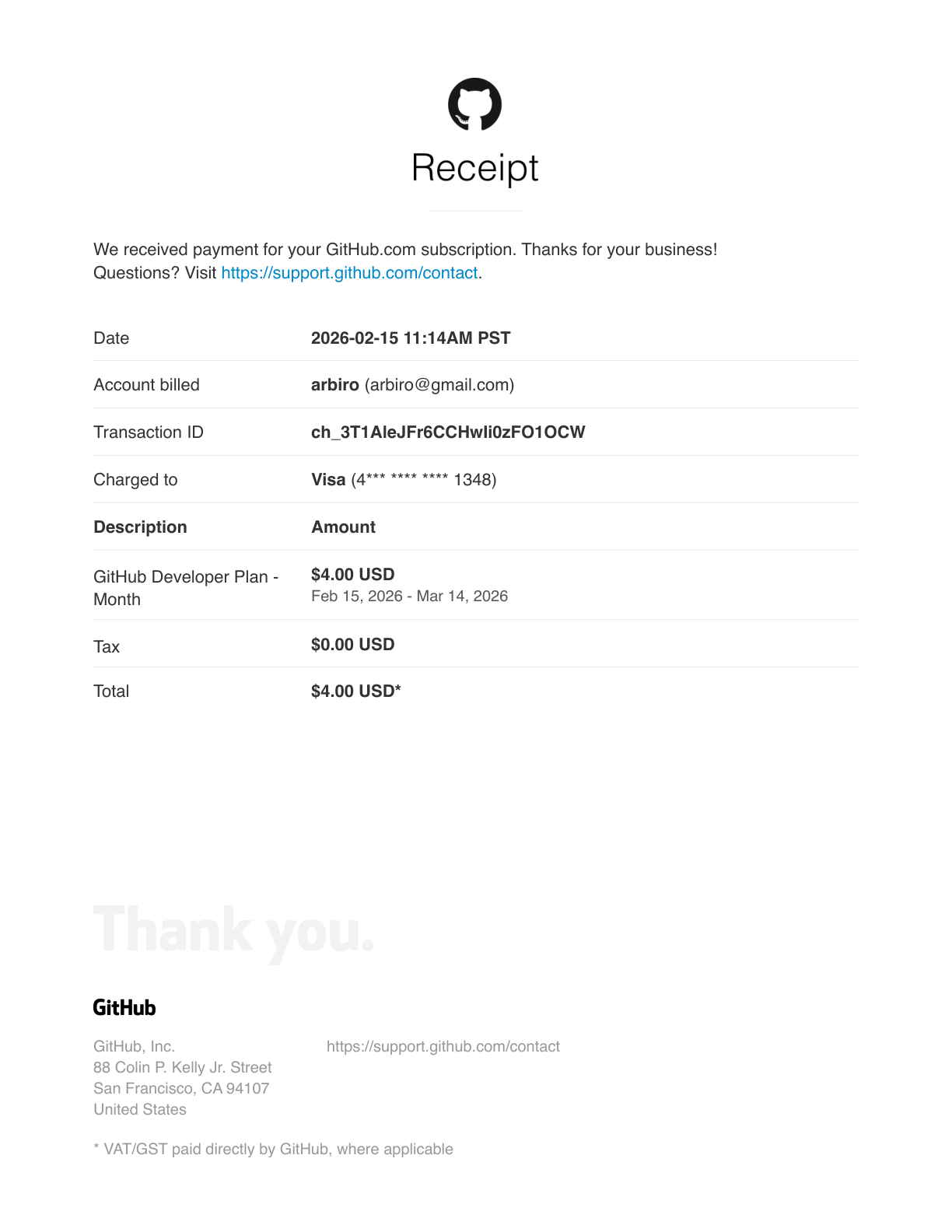
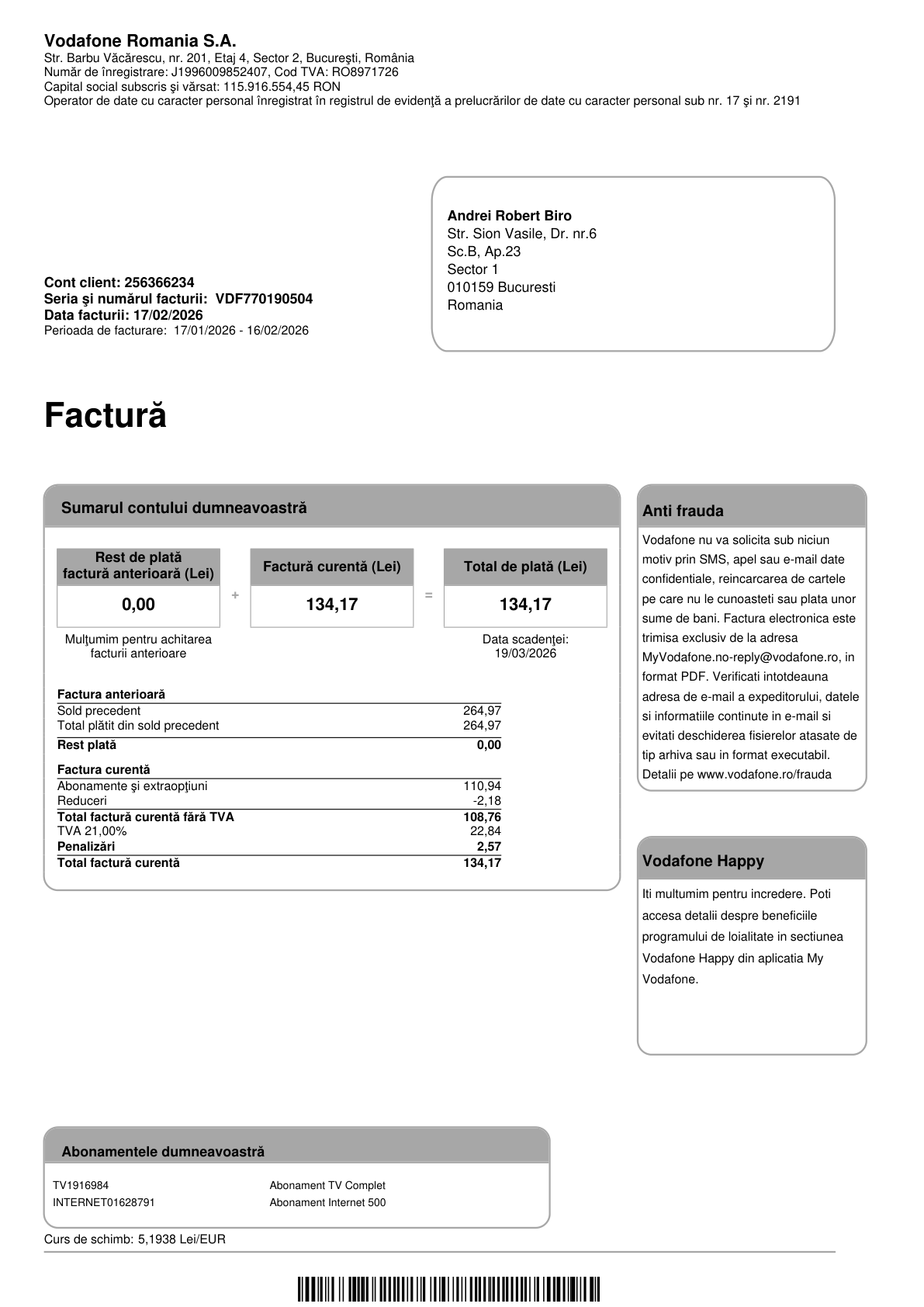
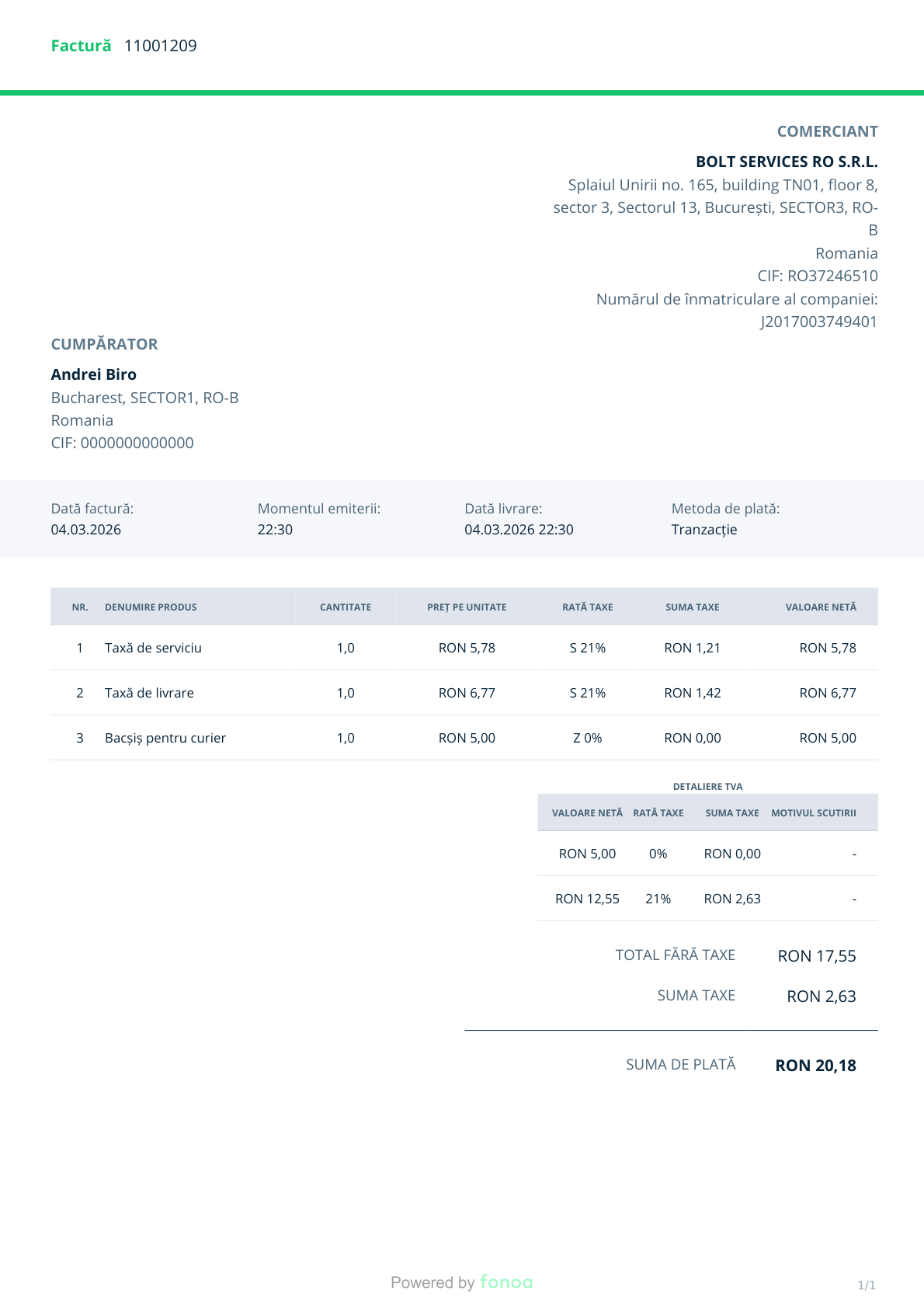
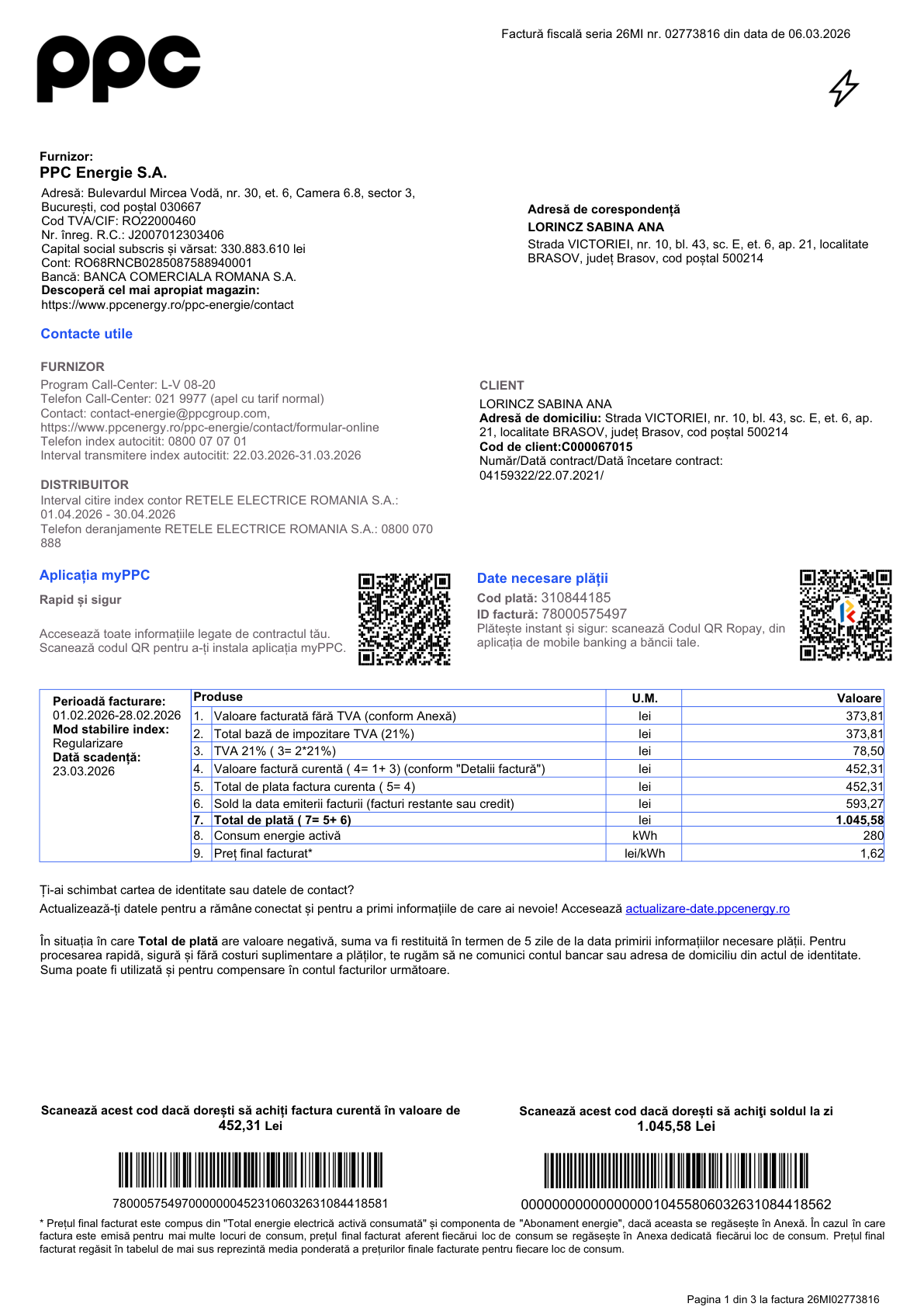
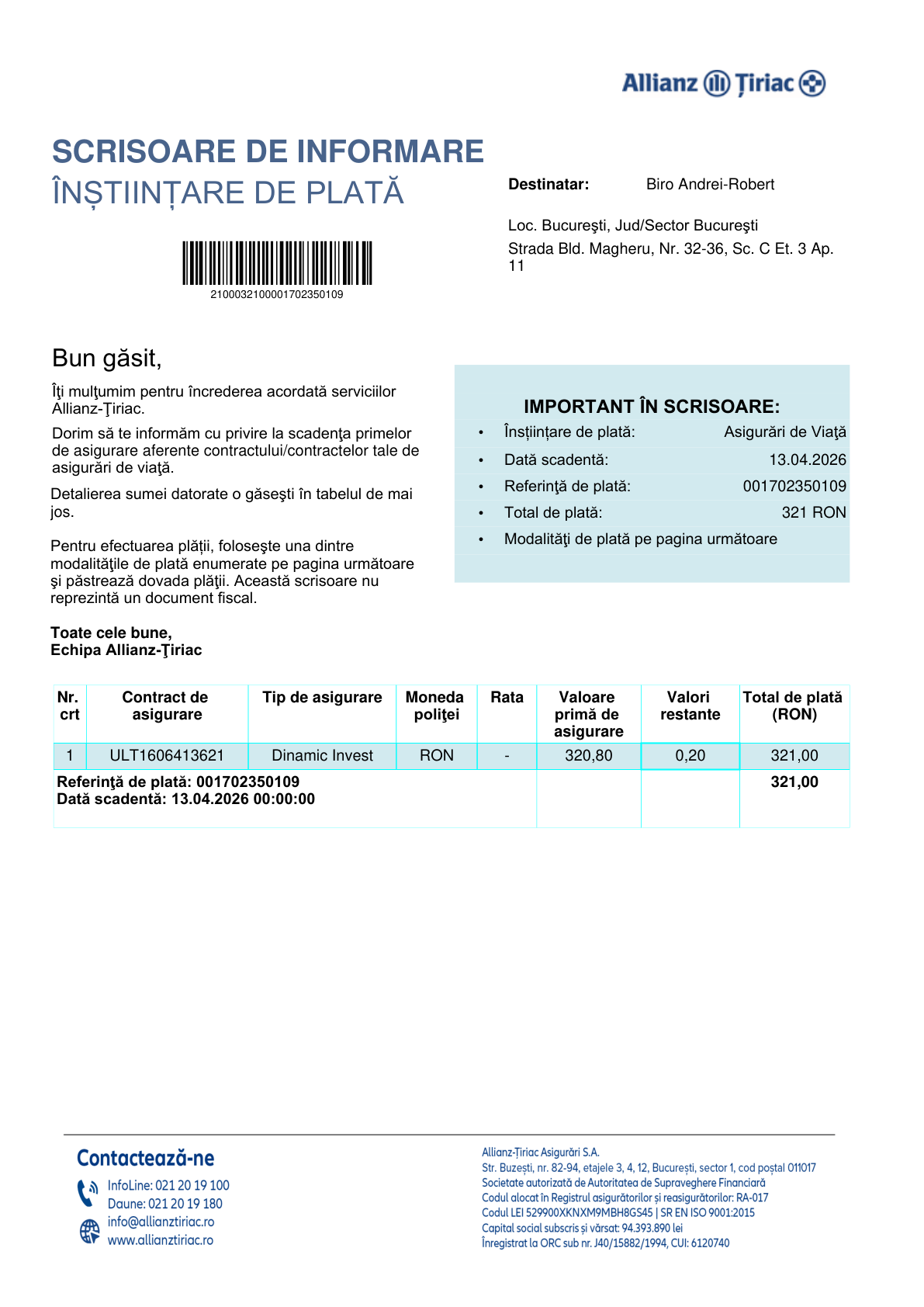
 BillyBox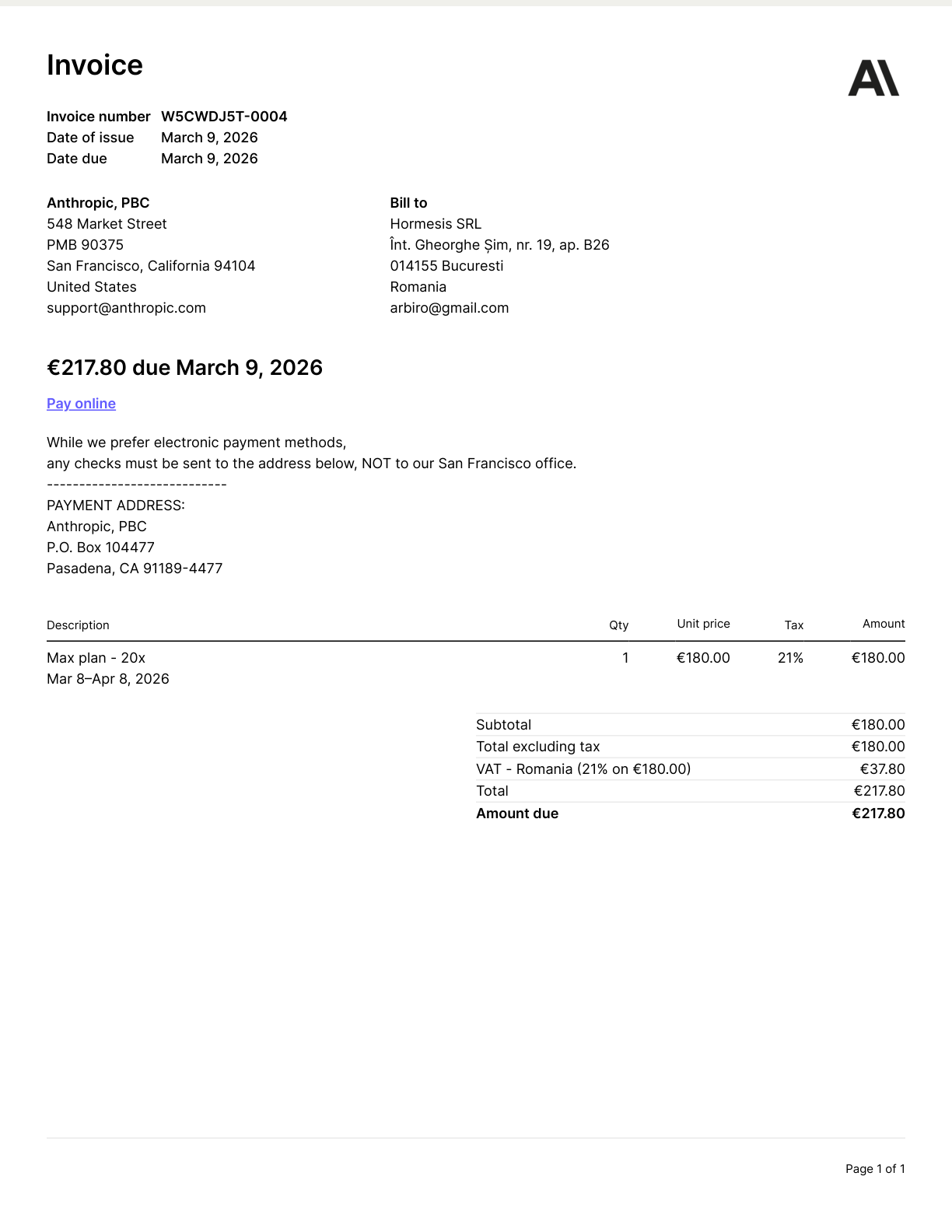
Anthropic
Subject
Your invoice from Anthropic
Extracted Data
invoiceSuggested Classification
~BusinessClassify As
Change anytimeJ / K Navigate
? Shortcuts
Three steps to invoice peace
From chaos to organized exports in minutes
Connect your email
Link Gmail, Outlook, Zoho, or any IMAP inbox. BillyBox finds invoices in PDFs, Word and Excel files (DOCX, DOC, XLSX), images, XMLs — and opens ZIP attachments to collect the documents inside.
Fetch, review and classify
Keyboard shortcuts: B for Business, P for Personal, I to Ignore. Fly through your invoices.
Export and send
Download a ZIP with organized folders plus CSV summary. Send to your accountant.
Built for speed
Every feature designed to get you through invoices faster
AI-Powered Extraction
Emails, PDFs, Word, Excel, scans, photos, XMLs — AI reads vendor, amount, currency, date, due date and VAT. Splits multi-invoice PDFs.
All your inboxes, one view
Connect Gmail, Outlook, Zoho, or any IMAP — multiple accounts in one place.
Fast classification
Business or personal? B/P/I keys on desktop, swipe on mobile — built for mixed inboxes.
Clean exports
Organized ZIP with folders + CSV summary. One click.
Word and Excel invoices, read
Subcontractors and trades send bills as .docx and .xlsx, not PDFs. BillyBox reads them, pulls out vendor, amount, date and VAT, and shows you the document — and your export ships the original file, not a conversion.
Smart matching
Deduplicates and groups automatically. Receipts and invoices merge into one entry, not two.
Auto-fetch overnight
Connect once. New invoices arrive every evening, classified and ready to review.
Snap the receipts email misses
Send a photo of a restaurant, fuel or paper receipt, a PDF invoice, or a vendor portal link to the BillyBox Telegram bot. It lands in the same queue as your email invoices, ready for your accountant.
Capture receipts from your phone
Open BillyBox in your phone's browser — it's a PWA, no install needed — and tap the camera button to snap a paper receipt or pick a PDF. It runs the same extraction and classification pipeline as your email invoices.
Drag and drop on desktop
Drag a PDF, Word, Excel, XML, or image onto BillyBox from your desktop. The same extraction pipeline that processes your email invoices runs on uploads. Useful when an accountant or supplier sends you a file outside email.
Your data stays safe
We take security seriously

Encrypted at rest
AES-256 encryption for credentials.
Read-only access
We never send, delete, or modify emails.
Revoke anytime
Disconnect with one click.
EU hosted
GDPR compliant, EU data centers.

Frequently asked questions
Everything you need to know about BillyBox
What is BillyBox?
BillyBox is an invoice management tool that connects to your email (Gmail, Outlook, Zoho, or any IMAP provider), automatically extracts invoice attachments, and lets you classify them as business, personal, or ignored. Export an organized ZIP for your accountant in minutes.
Is my email safe?
Yes. BillyBox uses read-only access — we never send, delete, or modify your emails. Credentials are encrypted with AES-256, data is hosted in EU data centers (GDPR compliant), and you can revoke access with one click.
How does the invoice classification work?
After BillyBox fetches invoices from your email, you classify each one as business, personal, or ignore using keyboard shortcuts (B/P/I) on desktop or swipe gestures on mobile. It takes about 3 minutes instead of 30.
What email providers are supported?
BillyBox works with Gmail (Google OAuth), Outlook/Hotmail/Live (Microsoft OAuth), Zoho Mail (IMAP), and any email provider that supports IMAP with an app password (Yahoo, ProtonMail Bridge, custom domains, and more). You can connect multiple accounts at once.
Is there a free plan?
Yes! The free plan lets you fetch invoices from 2 calendar months with 2 email connections. No credit card required. Upgrade to Starter or Pro for unlimited months and more connections.
How is BillyBox different from accounting software?
BillyBox handles the step before accounting — collecting and organizing invoices from email. It does not replace QuickBooks, Xero, or Wave. Export your organized invoices and feed them into whatever accounting tool you use.
Can I send receipts from my phone?
Yes. Connect Telegram once in Settings, then forward photos, PDFs, or vendor portal links to the BillyBox bot. They land in the same review queue as your email invoices and follow the same classification flow. This complements your email connection — email still does the heavy lifting; Telegram is for the in-person receipts your inbox never sees.
What can I send to the BillyBox bot?
Photos (JPG/PNG) of paper receipts, PDF or XML invoices, Word and Excel documents (DOCX, DOC, XLSX), and links to vendor portals (Stripe, AWS, hotel booking confirmations). The bot reads the document, returns the vendor and amount, and gives you Business / Personal / Ignore buttons right in the chat.
Can I add receipts or PDFs directly from the BillyBox app?
Yes — and you don't need to install anything. Open billybox.app in your phone's browser (it's a PWA, you can Add to Home Screen for an app-like icon) and tap the camera button in the review screen. It opens the rear camera so you can snap a paper receipt, or you can pick a PDF from your phone storage instead. The document goes through the same extraction and classification pipeline as your email invoices. Works alongside email and Telegram — pick whichever channel fits the document you have in hand.
Does BillyBox work in my country?
BillyBox works anywhere invoices arrive by email. The interface is available in English, Romanian, Italian, French and German, it extracts amounts in any currency, and all data is hosted in the EU (GDPR compliant).